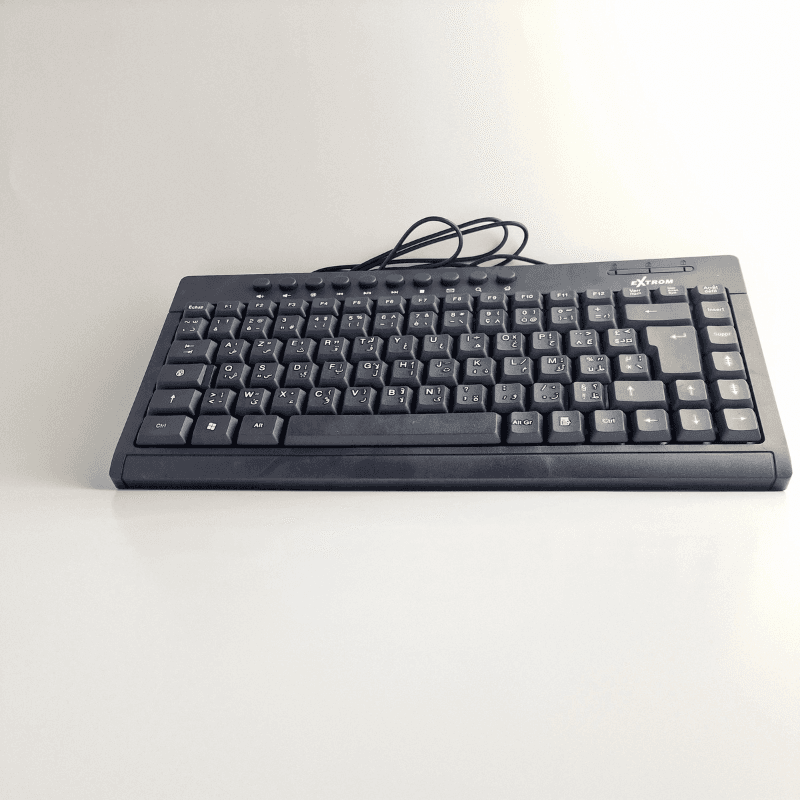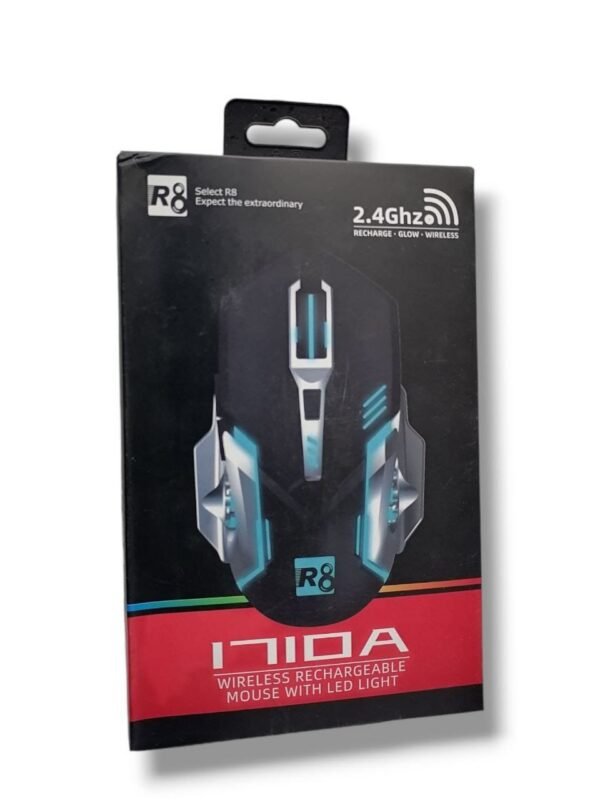



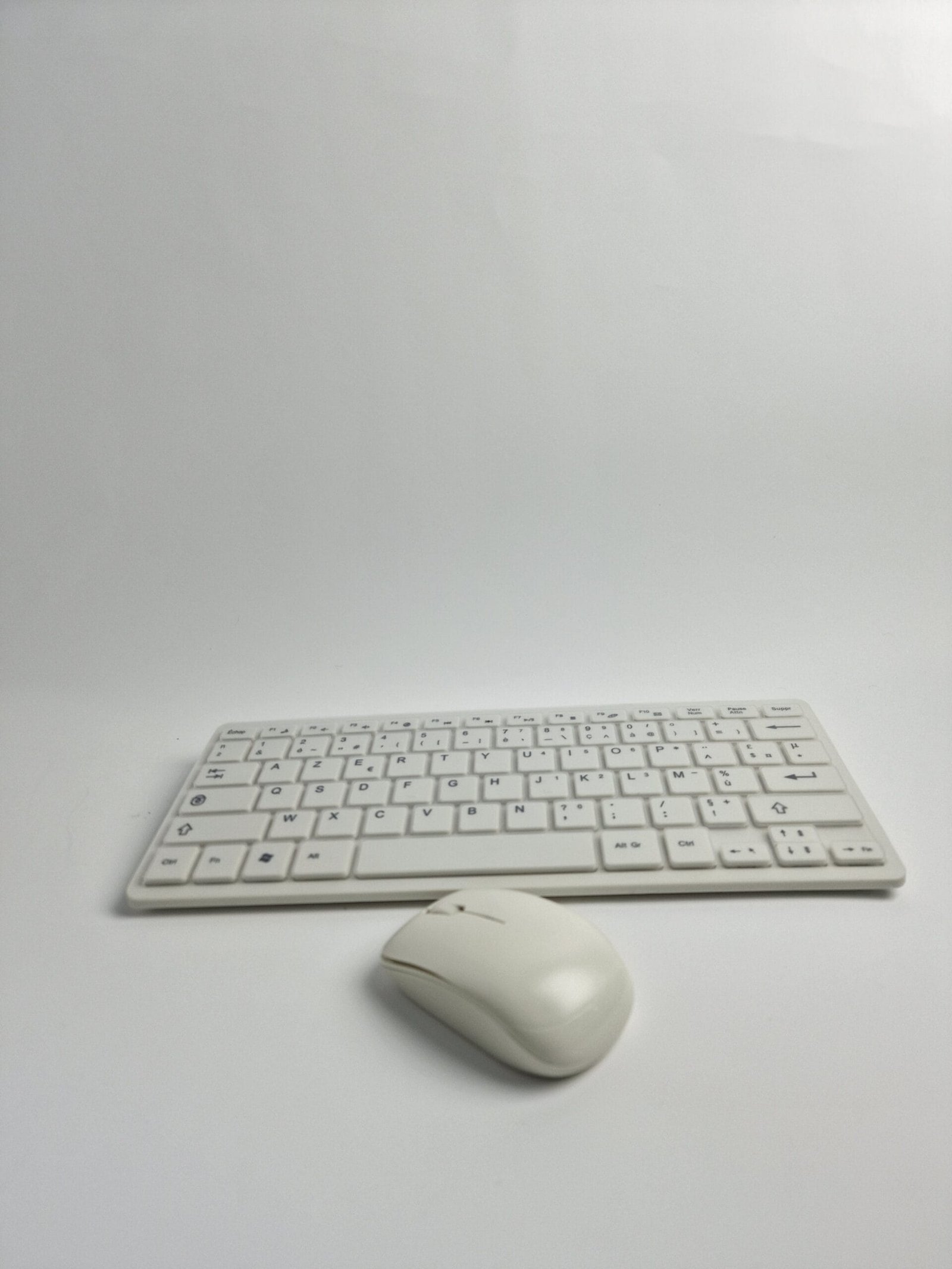

Wireless Keyboard and Mouse

130.00 Dhs

Delivery

  • Store pickup at Digimart

Pick up today

Free

  • Home delivery (2-3 Days)

Our courier will deliver to the specified address

Starting from 20 Dhs

Ajoutez 500.00 Dhs au panier pour profiter de la livraison gratuite !

Payment

Cash on delivery
Bank wire
By card
Category: Brand:

Description

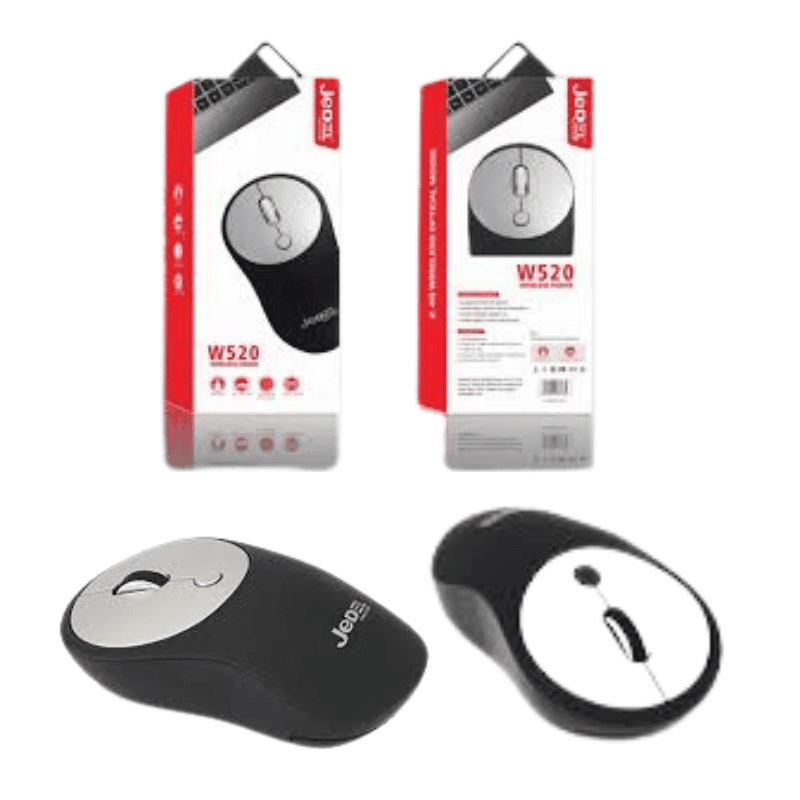
Product : User Manual – Wireless Keyboard and Mouse

This user manual explains the essential steps for installing the batteries and using your wireless keyboard and mouse. It is important to follow these instructions to ensure optimal operation.

Battery installation :

  1. Keyboard and mouse : Open the battery compartment on both devices (keyboard and mouse) by removing the protective caps.
  2. Battery insertion : Insert the batteries while respecting the polarity indicated on the diagram inside the battery compartment. Make sure the batteries are correctly positioned.
  3. Connection check : After inserting the batteries, check that the LED indicator on the keyboard or mouse is working properly. If not, make sure the batteries are correctly installed and that the polarity is correct.

Wireless operation :

  • Integrated USB receiver : The wireless receiver is located in the battery compartment. Remove it and plug it directly into your computer’s USB port to connect the mouse and keyboard.
  • Wireless frequency : The devices use 2.4GHz wireless technology to ensure a stable and fast connection between the keyboard, mouse, and your computer.

Power management :

  • The wireless keyboard and mouse are equipped with an integrated power management system. In standby mode, the devices automatically switch to power-saving mode to extend battery life.

Warranty and quality :

  • Warranty : The products come with a one-year warranty from the date of purchase.

Technical specifications :

  • Wireless mouse :

    • 2.4GHz wireless connection
    • Precision and user comfort
    • Ergonomic design
  • Wireless keyboard :

    • 2.4GHz wireless connection
    • Compact and quiet keyboard
    • Integrated multimedia functions

Specification

Overview

ConnectiviteUSB

Customer Reviews

Reviews

There are no reviews yet.

Only logged in customers who have purchased this product may leave a review.